

Add a short line of terms to the bottom of the gift card, such as how long it is valid or where it can be used.
How to Configure
Step 1: Add Your Terms
- Open the product and go to GiftRocket Settings → Get more options.
- Type your text in Card Footer / Terms Disclaimer. For example: Valid for 6 months from purchase. Not redeemable for cash.
- Click Save Gift Card Settings.
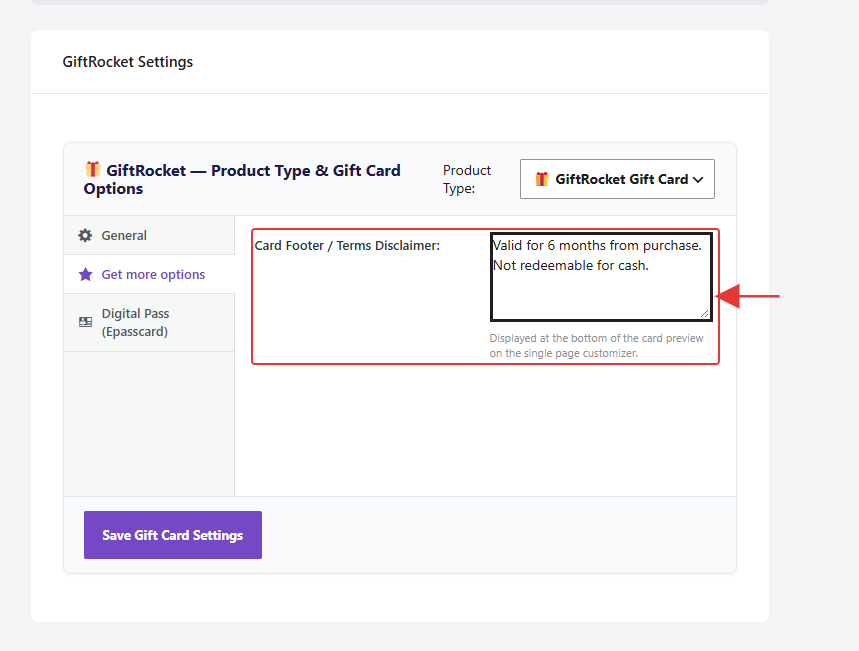
Note: The text shows at the bottom of the card preview on the product page. Keep it to one or two short sentences so it fits on the card.