


Add your own artwork to the design gallery customers choose from, for example seasonal cards, wedding cards or a corporate card with your logo.
Add a Design
- Go to GiftRocket → Dashboard and click Card Designs.
- Enter a Design Title, for example “Corporate Thank You”.
- Choose a category: Holidays & Seasonal, Corporate & Business, Weddings & Anniversaries, Birthdays & Celebrations, or General / All Occasions.
- Click Media Library and pick or upload your image, or paste an image URL.
- Click + Add Design.
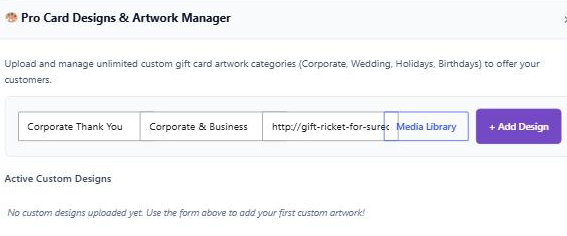
The design appears under Active Custom Designs and is added to the Choose a gift card design gallery on your gift card products. It is also used in the gift card email and the printable voucher when a customer picks it.
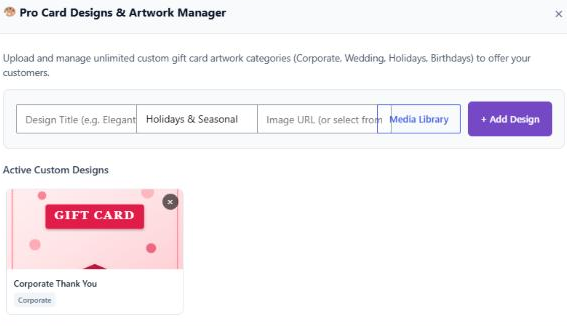
Note: Use a landscape image, about 1200 × 750 px. A product that uses its own product images as card designs shows those instead of the shared gallery, so custom designs don’t appear on that product. The category helps you keep designs organised; customers don’t see it.
With Pro active, customers can always upload their own photo for the card (see 3.2).